How Can I Adjust My Login Settings and Credentials?
Q: I need to change my password in Teams. How can I do this?
A: When logged into your Teams Administration profile. Go to the grid icon in the upper left. Then choose Login Settings; Reset Password.
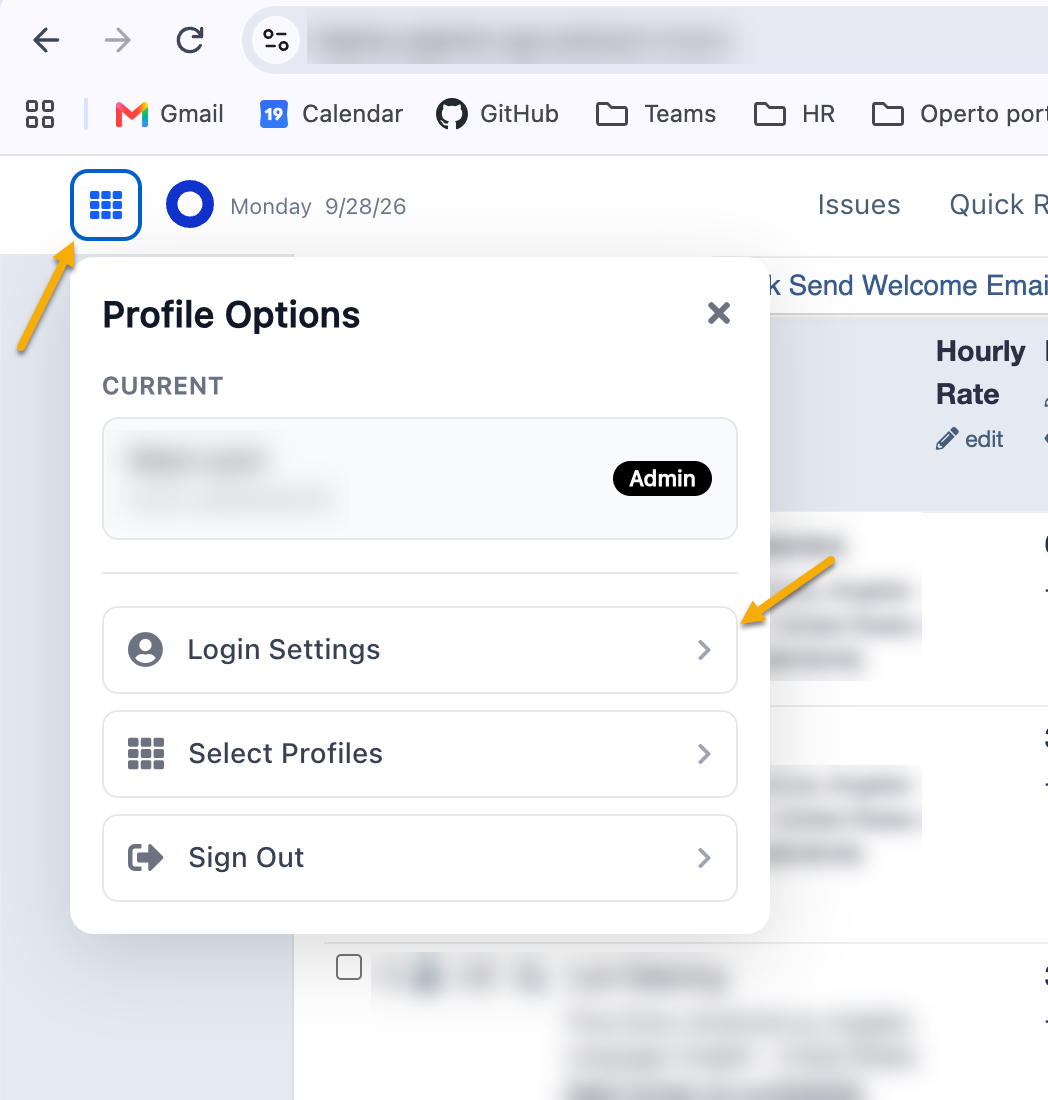
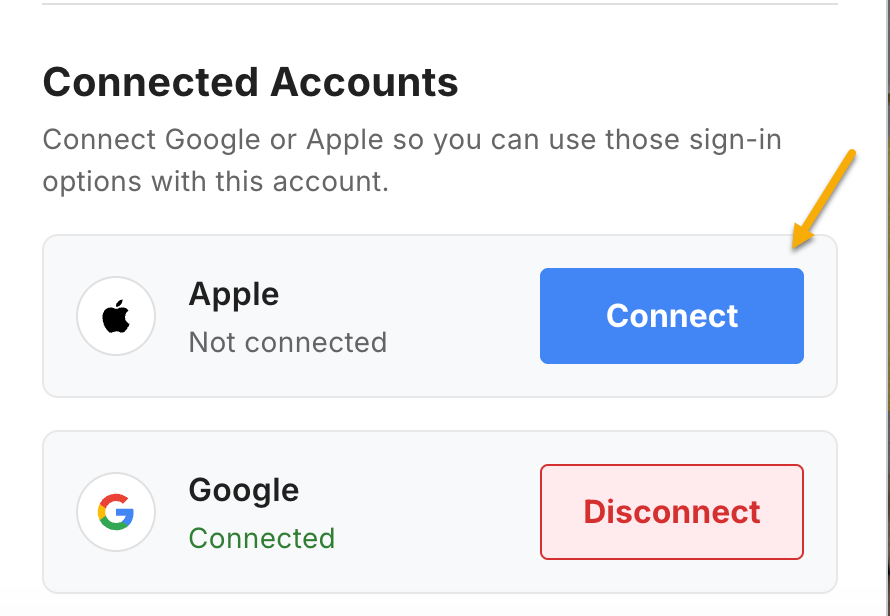
Additionally, use the above Login Settings area to connect a Google or Apple account to utilize these options on the main login page.
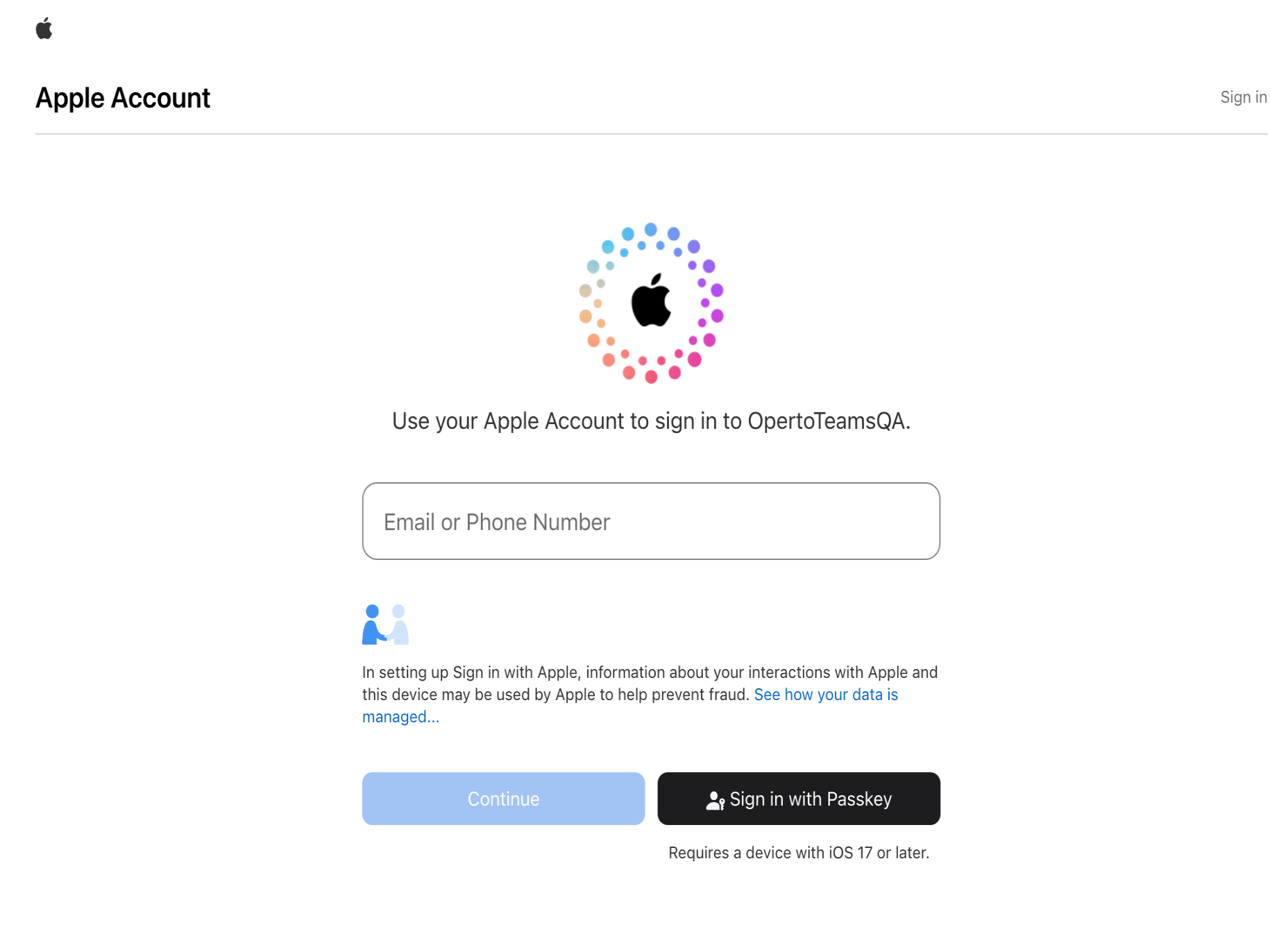
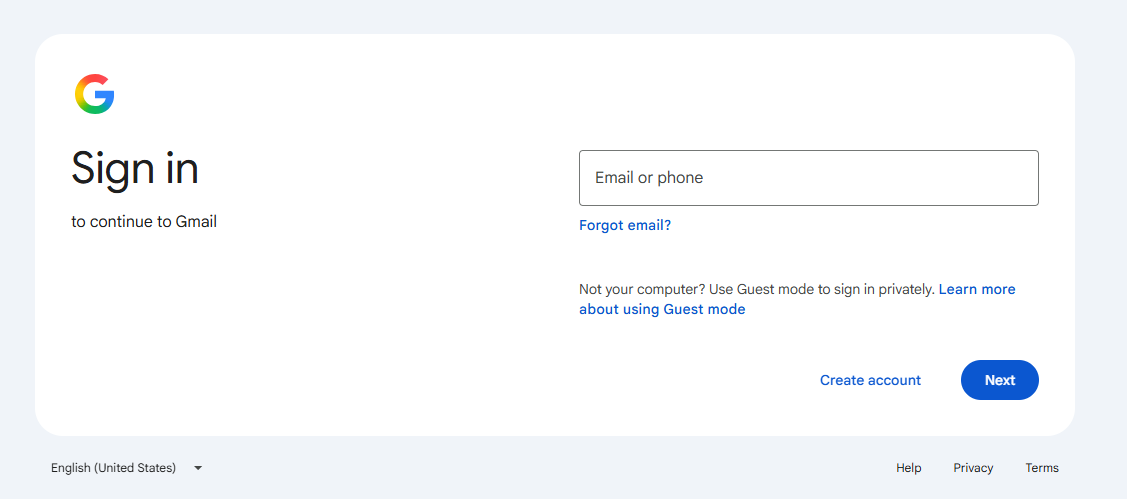
Log into the applicable Google or Apple account.
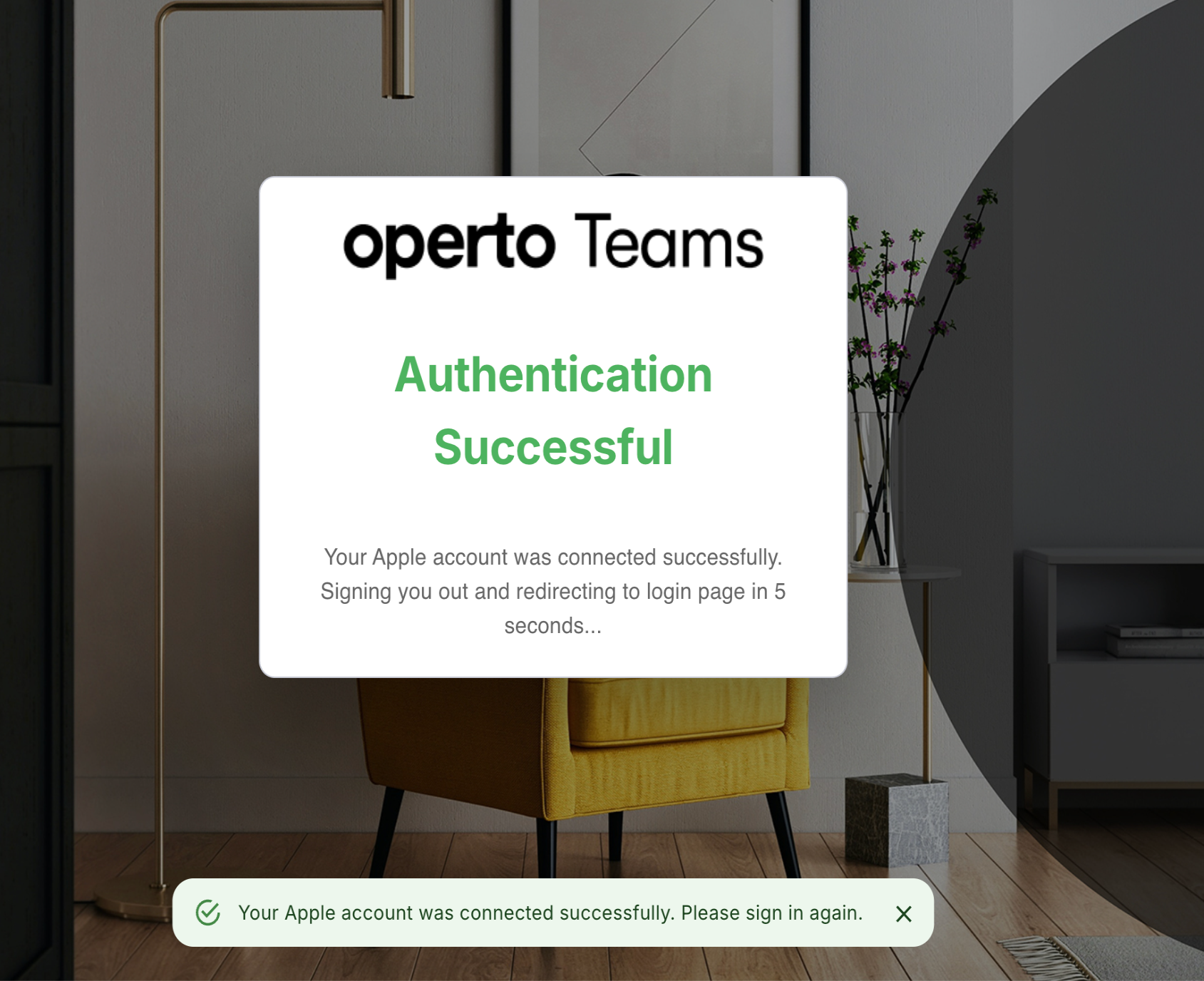
Once the connection is made you will receive a confirmation popup.